
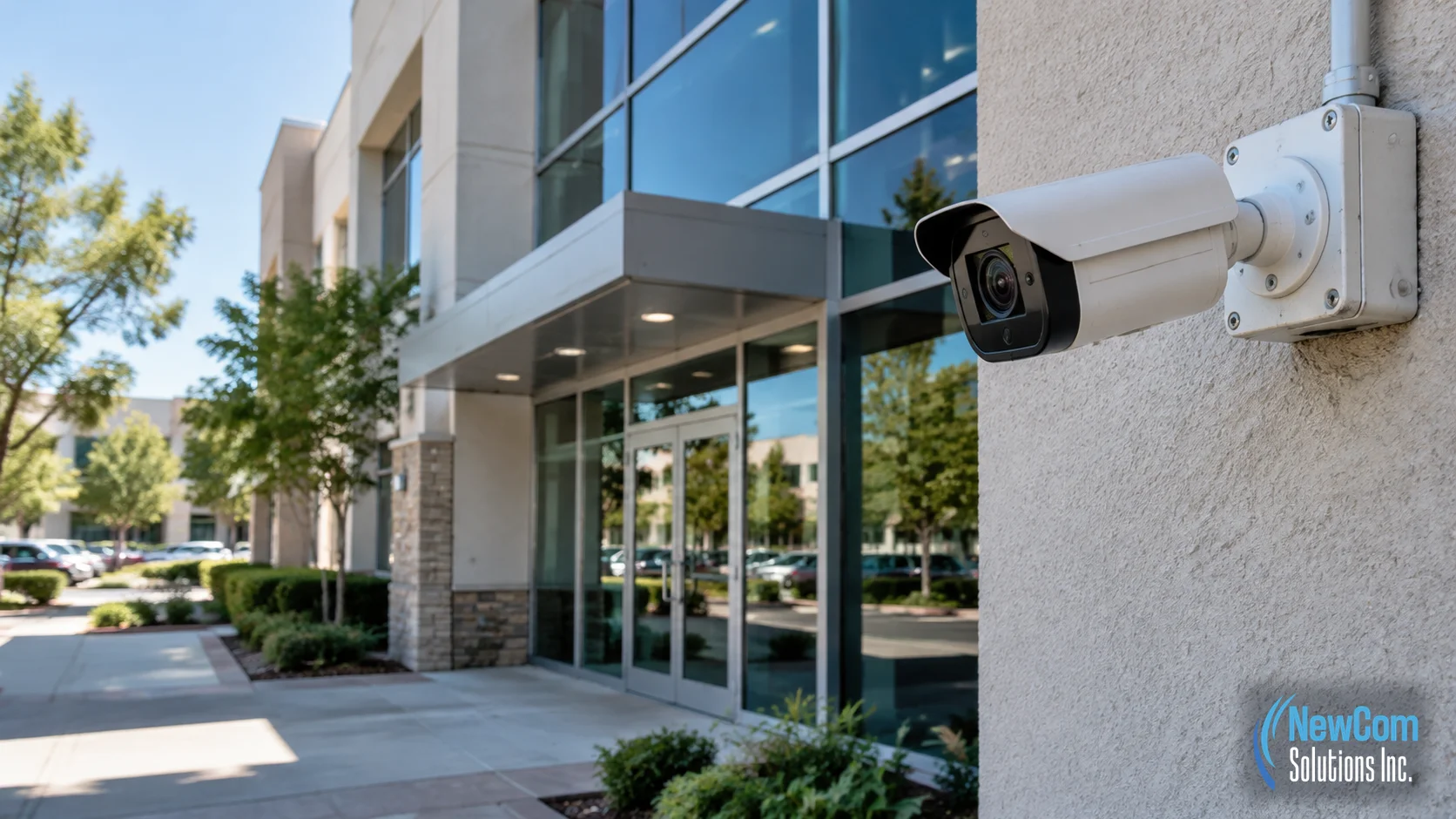
A commercial security camera system should do more than put cameras on the walls. It should give your business useful views of the areas that matter, record footage reliably, and make it practical to find the right video when an incident needs to be reviewed.
The challenge is that camera installation involves more decisions than choosing a camera model. Placement, lighting, cabling, network connections, recording capacity, access permissions, and future maintenance all affect how useful the finished system will be.
For a business planning commercial security camera installation in Westlake Village or the surrounding Conejo Valley, the best starting point is the property itself. Identify what you need to observe, what the system must record, and who will use the footage. Those answers provide a clearer foundation for choosing equipment and planning the installation.
This guide explains the main stages of a commercial camera project, the questions worth answering before installation begins, and the details that can make the difference between a system that looks complete and one that works for your business.
What Does Commercial Security Camera Installation Include?
Commercial security camera installation is the process of planning, installing, connecting, configuring, and testing a camera system for a business property. The exact scope depends on the building, the number and type of cameras, the recording equipment, and the areas that need coverage.
A typical project may involve:
- Reviewing the property and identifying important viewing areas.
- Planning camera locations, viewing angles, and mounting positions.
- Determining cable routes and connection requirements.
- Installing cameras and the required supporting infrastructure.
- Connecting cameras to the recording system and network where required.
- Configuring recording settings and authorized access.
- Testing camera views, recording, playback, and system operation.
- Providing practical handover information for the people responsible for the system.
Not every project requires the same equipment or installation work. An office with a few entrances has different requirements from a warehouse with several access points, a large parking area, and multiple interior zones.
The goal is to define the scope around the property’s actual requirements rather than selecting equipment first and trying to make it fit afterward.
Step 1: Identify What Your Business Needs to Monitor
Before choosing cameras, decide which areas need to be observed and why. This is one of the most important planning decisions because camera placement determines what the system can actually show.
Start by walking through the property and identifying areas where visibility matters. Depending on the business, these may include:
- Main entrances and employee entrances.
- Reception areas and customer-facing spaces.
- Loading areas and delivery entrances.
- Parking lots, vehicle entrances, and exit points.
- Storage areas and locations containing valuable equipment.
- Hallways, shared spaces, and other operational areas.
For each location, define the purpose of the camera. Do you need a general view of activity, a clear view of a doorway, or enough detail to identify a person or read a visible identifier? These are different objectives and may require different camera positions, lenses, lighting conditions, or image resolution.
A camera that captures a wide area may help establish what happened in a space, but the people in the footage could appear too small for the detail you need. A closer view may provide more detail while leaving adjacent areas outside the frame.
A useful planning exercise is to create a simple camera schedule before requesting proposals.
| Area | Purpose | Planning question |
|---|---|---|
| Main entrance | Observe people entering and leaving | Will faces be visible under the available lighting? |
| Parking area | Review vehicle and pedestrian activity | How much area must be covered, and what detail is required? |
| Loading entrance | Review deliveries and movement around the entrance | Will vehicles, doors, or stored materials obstruct the view? |
| Storage area | Observe activity around selected inventory or equipment | Are shelves, racks, or changing layouts likely to block the camera? |
| Reception | Observe activity near the front desk | Can the camera capture the intended area without unnecessary views of private information? |
This schedule helps everyone involved understand the purpose of each camera. It also makes it easier to identify missing coverage before cables are installed and mounting positions become harder to change.
Step 2: Choose Camera Locations and Viewing Angles Carefully
A camera’s location affects the footage just as much as its specifications. A capable camera can still produce disappointing results when it faces a strong light source, sits too far from the subject, or points toward an area that does not need monitoring.
During planning, consider the following factors.
Height and angle
The camera should be positioned to capture the intended activity without unnecessary obstruction. Mounting a camera too high may provide a broad overview but make facial details less useful. A low position may be vulnerable to interference or leave important areas outside the frame.
The right mounting height depends on the purpose of the view, the property layout, and the camera design.
Lighting conditions
Inspect each location during the lighting conditions in which the camera will operate. Bright windows, direct sunlight, reflective surfaces, shadows, and poorly lit entrances can affect image quality.
Outdoor cameras may also need to deal with changing daylight and nighttime conditions. Test the actual view where possible instead of assuming that a camera’s advertised specifications guarantee the result at every location.
Obstructions and changing layouts
Doors, signs, shelving, parked vehicles, trees, and new equipment can block a camera’s view. A camera that works well before a warehouse is stocked may lose visibility after racks and inventory are added.
Consider how the property is used throughout a normal working day, not just how it looks during an installation visit.
Coverage gaps
Overlapping views may be useful in selected areas, but adding cameras without a defined purpose can increase installation and storage requirements without solving the real problem. Review the proposed camera positions together and confirm what each one is expected to capture.
Step 3: Plan the Recording System and Storage Requirements
Cameras capture video, but the recording system determines how footage is stored and retrieved. Many commercial camera systems use a Network Video Recorder, or NVR, to manage video from compatible network cameras.
If you are comparing recording options, our guide to NVR vs. DVR security camera systems explains the main differences. For an installation project, the next step is to make sure the chosen recording setup fits the number of cameras, recording expectations, and day-to-day needs of the business.
Discuss these questions before selecting the recorder:
- How many cameras will be connected? Account for the planned installation and any cameras the business expects to add later.
- How long should footage be retained? Retention depends on recording settings, the number of cameras, video quality, activity levels, and available storage. Confirm the expected retention period rather than assuming every system stores the same amount of footage.
- Will cameras record continuously or based on events? The appropriate recording method depends on the operational requirements and supported system features.
- Who needs access to recordings? Identify the employees or managers who may need to review footage and determine how access should be controlled.
- How will footage be retrieved? Consider how authorized users will locate a particular date, time, or camera when investigating an incident.
- What happens if recording equipment loses power or develops a fault? Ask how system status is checked and what process is used to identify recording problems.
Storage should be planned around a real retention requirement. If a business needs to review events from several weeks earlier, the recording system must be configured and sized with that expectation in mind.
Ask the installer to document the expected recording setup and explain any limitations. This gives the business a practical reference when its needs change.
Step 4: Review Cabling, PoE, and Network Requirements
The physical installation is only part of a commercial camera system. The cables, network equipment, power arrangements, and recording connections must also support the intended design.
Many IP camera installations use Power over Ethernet, or PoE. This allows compatible cameras to receive power through their Ethernet network cable, reducing the need for a separate power connection at each camera. The exact requirements depend on the cameras, switches, cable routes, and system design.
Before installation, confirm the following:
- Where each camera cable will run.
- Whether existing cable pathways can be reused.
- Whether the selected switches support the cameras’ power requirements.
- Whether the available network ports and equipment can support the proposed installation.
- Where the NVR and other equipment will be located.
- How cables will be labeled and organized for future maintenance.
- Whether outdoor or exposed routes require cable and installation methods suitable for those conditions.
Existing cabling should not automatically be assumed suitable simply because a network connection is present. Its condition, termination, route, and ability to support the intended application should be checked.
New cabling may be appropriate when the existing routes are unsuitable, the layout is changing, or the camera locations need dedicated connections. NewCom’s structured wiring and low-voltage cabling services are relevant when a camera project also requires commercial cabling infrastructure.
Why network planning matters
Network cameras send video data across the network. Depending on the system, the number of cameras, video settings, and recording arrangement, that traffic can place additional demands on network equipment.
A camera system should be planned so its connections and supporting equipment can handle the intended load. If the business already has an IT provider, coordinate the camera project with that provider before making network changes.
For businesses that need help managing their wider infrastructure, NewCom’s managed IT services are relevant to the network and equipment side of the discussion.
Step 5: Plan Installation Around the Building and Business Operations
Installation planning should account for how the property operates. A camera project in an occupied office may require a different work sequence from one in a vacant building or a space undergoing renovation.
Before work begins, clarify:
- Which areas installers need to access.
- Whether ladders or other access equipment may affect normal operations.
- How cable routes will be coordinated with ceilings, walls, and other building systems.
- Whether drilling, mounting, or other work needs approval from the property manager.
- How employees, customers, deliveries, or vehicles may be affected during installation.
- Who will approve camera positions before permanent mounting is completed.
Camera positions should be reviewed before the installation is considered complete. Where practical, checking the live view during setup can reveal problems that are difficult to identify from a floor plan alone.
For example, a camera planned to cover a loading entrance may end up pointing toward a bright exterior opening. A camera overlooking a reception area may capture too much of the desk rather than the intended entrance. These issues are easier to correct before the final setup is accepted.
Step 6: Configure, Test, and Document the System
A camera that powers on is not necessarily a camera system that is ready for business use. The installation should include testing that reflects how the business intends to use the equipment.
A practical handover checklist includes:
- Confirming that every installed camera appears in the system.
- Checking that each camera shows the intended area.
- Reviewing image quality under relevant lighting conditions.
- Confirming that recording is taking place as intended.
- Testing playback and locating recorded footage.
- Reviewing date, time, and timestamp settings.
- Confirming that authorized users can access the functions they need.
- Explaining how to review footage and report a problem.
- Providing camera names, locations, and relevant system information.
The camera names should be understandable to someone who did not install the system. Names such as “North Loading Entrance” or “Reception Entry” are more useful than a list of generic camera numbers when a manager needs to find a recording quickly.
The business should also understand who is responsible for maintaining the system, managing user access, checking recording operation, and arranging changes.
Documentation matters because the person responsible for security may change. A clear camera list, equipment information, and basic operating instructions help prevent the system from becoming difficult to manage after the original project team has left.
Step 7: Consider Privacy and Access Before the System Goes Live
Commercial camera planning should account for privacy as well as coverage. The purpose is to monitor appropriate business areas, not to record every possible view simply because a camera can be installed there.
Review camera angles to avoid unnecessary views into neighboring properties, private areas, or sensitive workspaces. Consider whether employees, visitors, or customers need to be informed about monitoring, and establish who is authorized to view or export recordings.
The business should also establish sensible procedures for handling footage. That includes determining who may access it, how requests for footage are handled, and how recordings are retained or deleted according to the business’s requirements and applicable rules.
Requirements can vary by location and circumstance. Businesses should confirm applicable privacy, workplace, and recording requirements before deployment rather than relying on a camera installer to make legal decisions for them.
Common Commercial Security Camera Installation Mistakes
Some camera projects run into trouble because decisions are made in the wrong order. These are common issues worth addressing before installation.
Choosing equipment before defining the purpose
Selecting cameras based only on resolution or price can leave important requirements unanswered. Decide what each camera needs to capture before selecting the equipment.
Assuming one wide view will cover everything
A broad view can provide useful context but may not show the detail needed at a particular entrance or activity point. Review each view against its intended purpose.
Ignoring nighttime conditions
A view that looks clear during the day may perform differently after dark. Include relevant lighting conditions in the camera assessment and testing process.
Underestimating storage requirements
The number of cameras, recording settings, video quality, and required retention period all affect storage needs. Confirm the intended recording arrangement before choosing the recorder and storage capacity.
Leaving network and cabling responsibilities unclear
If the camera installer and IT provider each assume the other is responsible for network ports, PoE, or cable routes, the project can encounter avoidable delays or gaps in responsibility. Define these tasks before work begins.
Skipping handover and playback testing
A camera view is only part of the system. Confirm that recording and playback work and that the appropriate people know how to use them.
Questions to Ask Before Requesting a Camera Installation Proposal
A useful proposal should explain what will be installed and how the finished system will be evaluated. Ask potential providers questions such as:
- Will the proposal identify the intended location and purpose of each camera?
- What camera types and recording equipment are included?
- How will the proposed system meet the required recording and retention needs?
- Does the scope include cabling, mounting, network connections, and configuration?
- Who is responsible for network switches, PoE, and any required network changes?
- What testing will be completed before handover?
- What documentation and user guidance will the business receive?
- Who will handle future maintenance, troubleshooting, or system changes?
- What items are excluded from the proposal?
Compare proposals using the same requirements. A proposal with fewer cameras or a shorter retention plan should not be treated as equivalent to one designed around a more detailed coverage and recording requirement.
Clear answers also help establish whether the proposed installation is appropriate for the building and the business’s operational needs.
Planning Commercial Security Camera Installation in Westlake Village
Businesses in Westlake Village and the wider Conejo Valley operate in a range of commercial environments, including offices, retail spaces, warehouses, and properties with shared parking or delivery areas. The right camera plan depends on the specific property rather than the city name.
For an office in Westlake Village, planning may focus on entrances, reception, shared corridors, and selected equipment areas. A business with a loading area may need to consider vehicle movement, delivery activity, exterior lighting, and the placement of cameras around doors and access routes.
In Thousand Oaks, Agoura Hills, Calabasas, and Simi Valley, the same practical questions apply: what needs to be visible, how footage will be recorded, what cable routes are available, and who will manage the system after installation.
If the property is being renovated or the business is moving, camera planning should be coordinated with the broader cabling work before ceilings and walls become difficult to access. Reviewing these details early can help avoid unnecessary changes after installation.
For a local commercial security camera installation project, prepare a basic floor plan, identify priority areas, and list the recording and access requirements you need the system to meet. These details give a provider a clearer starting point for evaluating the project.
Frequently Asked Questions About Commercial Security Camera Installation
How long does commercial security camera installation take?
Installation time depends on the number of cameras, building layout, cable routes, mounting requirements, network readiness, and recording equipment. A site assessment helps establish the scope of work and identify any access or cabling challenges before installation begins.
Where should security cameras be installed in a commercial building?
Common locations include building entrances, reception areas, loading zones, parking areas, inventory spaces, and other important access points. Camera placement should account for lighting, viewing angles, obstructions, and the specific areas the business needs to monitor.
What is the difference between an NVR and a DVR security camera system?
An NVR, or Network Video Recorder, records video from network cameras, while a DVR, or Digital Video Recorder, typically works with analog cameras connected through coaxial cabling. The right option depends on the cameras, existing infrastructure, recording requirements, and plans for future expansion.
Does commercial security camera installation require new cabling?
Not always. Existing cabling may be suitable if its condition, type, capacity, and routing meet the system requirements. New cabling may be needed when connections are damaged, locations change, cable runs are unsuitable, or the new cameras require network connections that are not available.
Can security cameras use the business network?
Yes, many IP security cameras connect through a business network. However, the network should be reviewed for available capacity, power requirements, bandwidth, and security. Separating camera traffic from other business devices may also be appropriate, depending on the network design.
What should a business check before installing security cameras?
Review the areas to monitor, camera placement, lighting conditions, cabling routes, recording storage, network requirements, user access, and video retention needs. Businesses should also consider applicable privacy requirements and decide who will be authorized to view or export recordings.
How much video storage does a commercial security camera system need?
Storage requirements depend on the number of cameras, video resolution, frame rate, recording schedule, compression settings, and required retention period. Continuous recording generally uses more storage than motion-based recording. The recording system should be sized around the business’s actual monitoring and retention needs.
How can I tell whether a security camera system is working correctly after installation?
Test each camera’s live view, image clarity, viewing angle, night or low-light performance, and recording playback. Also verify date and time settings, recording schedules, user permissions, remote viewing if configured, and access to recorded footage. Documenting the setup makes future troubleshooting easier.
Can an existing commercial security camera system be upgraded?
Often, an existing system can be upgraded, but compatibility should be checked first. The cameras, recorder, cabling, network equipment, storage capacity, and software all affect what can be reused. An assessment can help determine whether adding cameras or replacing selected components is practical.
Who should handle commercial security camera installation?
Choose an installer who can assess camera placement, cabling, recording equipment, network requirements, testing, and system handover. Before work begins, confirm the installation scope, equipment responsibilities, configuration requirements, and documentation that will be provided.
Plan Your Commercial Security Camera Installation With NewCom Solutions
A useful commercial camera system starts with clear requirements. Camera positions, lighting, cabling, network connections, recording capacity, user access, and handover documentation should all be considered before the project is complete.
NewCom Solutions provides commercial security camera system installation using Network Video Recorders, alongside structured cabling and managed IT services. For businesses in Westlake Village and the surrounding area, coordinating these parts of the project can help clarify how the cameras, recording equipment, and supporting infrastructure fit together.
If you are planning a new installation or reviewing an existing setup, start by identifying the areas you need to monitor and the recording requirements your business needs to meet. Then discuss the property layout, available cabling, network requirements, and expected handover with a provider.
Visit NewCom Solutions to learn more about the company’s security camera installation services, or explore its structured wiring services and managed IT services to understand the related infrastructure support.