
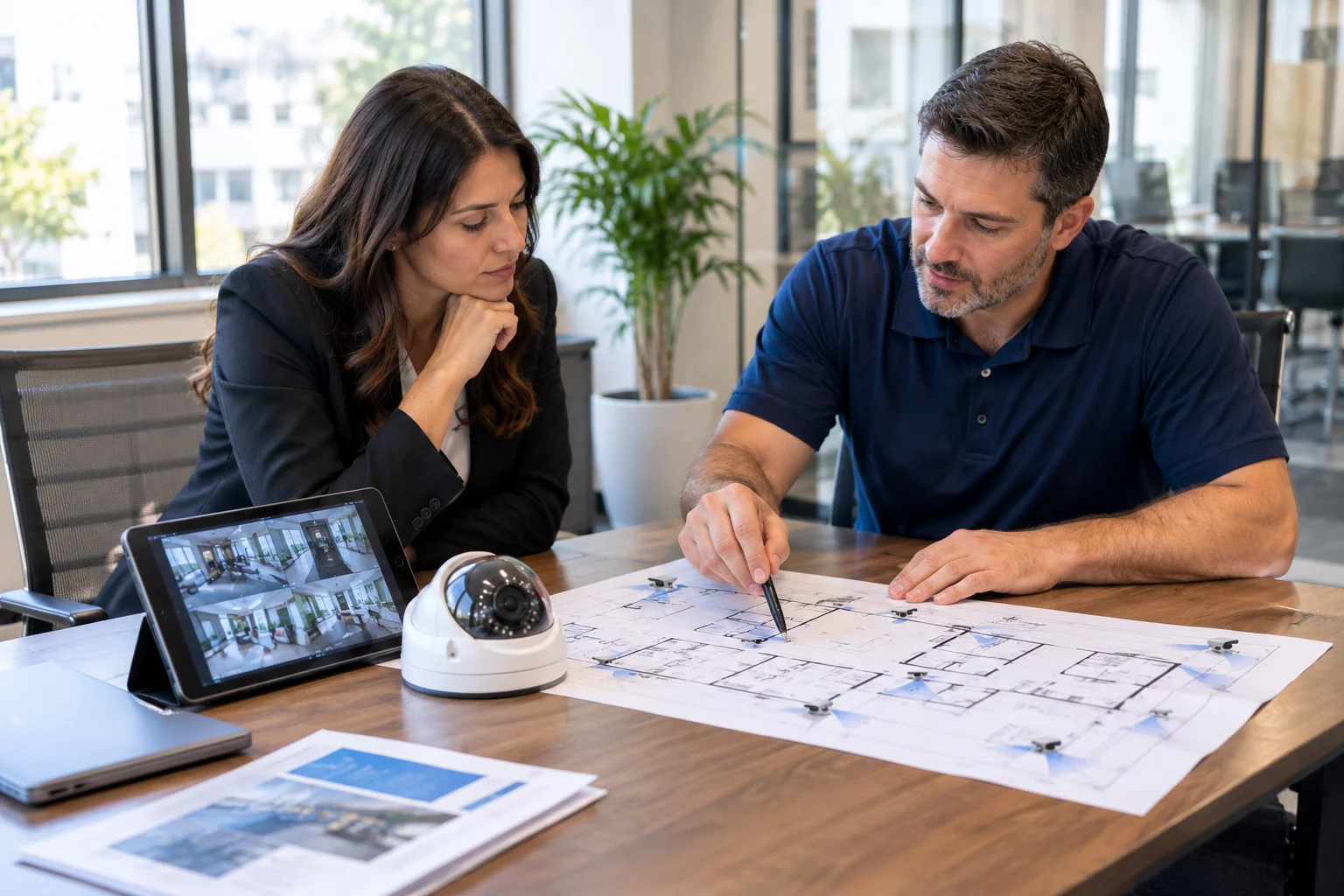
Choosing business surveillance system installers is an important decision for companies that want better visibility across their facilities, entrances, work areas, and other important locations. A commercial camera system needs to do more than capture video. It should provide useful coverage, dependable recording, organized cabling, and a practical way for authorized staff to review footage when needed.
However, not every installer approaches a project in the same way. Some focus mainly on supplying cameras, while a properly planned installation considers the building layout, camera placement, recording requirements, network infrastructure, and future business needs.
Before hiring a company, understand what a professional surveillance installation should include and which questions can help you evaluate the right installer.
1. Look for Experience With Commercial Surveillance Projects
Commercial properties have different monitoring requirements from smaller residential installations. An office, warehouse, retail location, medical facility, and multi-tenant building each have different layouts, operating conditions, and areas that may require monitoring.
Look for business surveillance system installers who can discuss commercial environments and explain how they approach projects with different building layouts and operational requirements.
During your initial discussion, ask whether the installer can:
- Review the building layout and identify important monitoring areas.
- Recommend suitable camera types and mounting positions.
- Plan cable routes and network connections.
- Configure recording equipment and verify playback.
- Explain system operation and handover requirements.
The goal is to find an installer who understands the complete system, not simply someone who can mount cameras.
2. Understand the Camera System Being Recommended
Before accepting a proposal, ask what type of surveillance system is being recommended and why it fits your facility.
Many commercial installations use IP cameras connected through a network to a Network Video Recorder (NVR). These systems can support centralized recording, remote viewing when configured, and different camera resolutions depending on the selected equipment.
Ask the installer to explain:
- Camera resolution and expected image clarity.
- Indoor and outdoor camera requirements.
- Low-light and nighttime performance.
- Available viewing angles and coverage limitations.
- NVR compatibility and recording capabilities.
Do not choose a system based on camera count or resolution alone. A camera with a high resolution may still provide poor evidence if it is positioned incorrectly or aimed at the wrong area.
3. Evaluate the Camera Placement Plan
Camera placement is one of the most important parts of a commercial surveillance project. Even good equipment cannot provide useful footage if important areas are blocked, poorly lit, or outside the camera’s viewing angle.
Ask the installer to review areas such as:
- Main entrances and secondary access points.
- Reception areas and customer-facing spaces.
- Loading bays and delivery areas.
- Inventory storage and equipment rooms.
- Parking areas and exterior approaches.
- Important internal corridors and shared spaces.
The installer should explain what each camera is intended to capture. For example, one camera may provide a broad overview of an entrance, while another may be positioned to capture more useful detail near a doorway.
Businesses should also consider privacy expectations, applicable laws, and areas where camera monitoring would be inappropriate.
4. Ask How Cabling and Network Connections Will Be Handled
A commercial IP camera system depends on suitable cabling and network infrastructure. Poor cable routing, unreliable connections, or inadequate network planning can create problems that are difficult to diagnose after installation.
Ask whether the installer will assess existing cable routes, connection points, equipment locations, and the network capacity required by the proposed cameras.
Many IP cameras support Power over Ethernet (PoE), which allows compatible network cabling to carry both data and electrical power. This can simplify installation, but the network switches and available PoE power must be suitable for the connected equipment.
For projects involving new cable runs, patch panels, or network connections, review the company’s structured wiring and cabling services to understand how the supporting infrastructure fits into the wider installation.
5. Review NVR Recording and Storage Requirements
Installing cameras is only part of the project. The recording system must also be planned around how many cameras will operate, the quality of video, recording schedules, and how long the business needs to retain footage.
Ask the installer to explain:
- How many cameras the NVR can support.
- How much recording storage is included.
- Whether cameras record continuously or use motion-based recording.
- How authorized users can search and review footage.
- What happens when storage reaches its capacity.
- How recordings and system settings are protected.
Storage requirements should be based on actual recording needs rather than an arbitrary capacity. Businesses should also establish who can access recordings and how footage is handled when it is no longer required.
6. Compare Proposals Beyond the Number of Cameras
When comparing business surveillance system installers, avoid making the decision based only on the total price or camera quantity. Two proposals may include the same number of cameras but differ significantly in equipment, installation scope, cabling, storage, configuration, and testing.
Review each proposal for:
- Camera models, quantities, and specifications.
- NVR model and recording storage capacity.
- Cabling, mounting materials, and network equipment.
- Installation locations and cable routing responsibilities.
- System configuration, testing, and user handover.
- Any exclusions, optional items, or additional project costs.
A clear proposal makes it easier to understand what you are purchasing and reduces the risk of unexpected work or missing components.
7. Confirm Testing, Documentation, and System Handover
A surveillance installation should not be considered complete simply because the cameras are physically mounted. Each camera and the recording system should be checked before the project is handed over.
Ask the installer to verify live camera views, image clarity, viewing angles, recording playback, date and time settings, and any configured remote viewing access.
The handover should also explain how authorized staff can access the system, review recorded footage, and perform basic operations. Camera locations, equipment details, and relevant configuration information should be documented where appropriate.
Clear handover documentation helps the business understand its system and makes future maintenance or troubleshooting more manageable.
8. Consider the Installer’s Approach to Ongoing IT and Network Needs
Modern surveillance systems rely on network-connected equipment. Camera connectivity, recording access, network security, and equipment changes may overlap with a business’s wider IT environment.
For that reason, it is useful to understand how the surveillance installation will fit into the existing network. Ask who will be responsible for network-related changes, system administration, and troubleshooting after the installation.
Businesses that also need help managing their wider technology environment can explore NewCom Solutions managed IT services to understand the available IT support options.
Choosing Business Surveillance System Installers in Westlake Village
Businesses in Westlake Village, Thousand Oaks, Agoura Hills, Calabasas, Simi Valley, and the wider Conejo Valley may have different surveillance requirements depending on their building size, operations, and existing infrastructure.
An office expansion may require additional cameras and network connections. A warehouse may need better visibility across loading and inventory areas. A commercial property may need to review entrances, shared spaces, and exterior approaches.
The right installation starts with understanding these requirements before selecting equipment. NewCom Solutions provides commercial security camera systems using Network Video Recorders (NVRs), alongside structured cabling and IT services for business environments.
To learn more about the company and its commercial technology services, visit the NewCom Solutions About page.
Questions to Ask Before Hiring a Surveillance Installer
Before approving a commercial surveillance project, use these questions to make sure the proposed work is clearly understood:
- Will you assess the property before recommending camera locations?
- Which camera models and recording equipment are included?
- Will existing cabling be inspected before it is reused?
- How much recording storage will the system provide?
- Will each camera and recording function be tested?
- What documentation and user guidance will be provided?
- Who should the business contact for future system support?
Clear answers help you compare installers based on the actual project requirements rather than relying on general promises.
Frequently Asked Questions About Business Surveillance System Installers
What do business surveillance system installers do?
Business surveillance system installers assess commercial properties, recommend camera locations, install cameras and supporting cabling, configure recording equipment, and test the system. A complete project should also include an explanation of system operation and an appropriate handover.
What type of security cameras are best for commercial buildings?
The right camera depends on the location, lighting conditions, required viewing angle, image detail, and environmental conditions. IP cameras are commonly used in commercial network-based surveillance systems, but the equipment should be selected according to the property’s actual monitoring requirements.
How do I choose a commercial security camera installer?
Compare the installer’s commercial project experience, camera recommendations, cabling approach, NVR and storage planning, installation scope, testing process, and handover documentation. Ask for a clear proposal that explains the equipment and work included.
What is included in a business surveillance system installation?
A project may include IP cameras, mounting hardware, network cabling, PoE equipment where required, an NVR, storage drives, system configuration, testing, and user handover. The exact scope depends on the building, selected equipment, and business requirements.
Can an existing business network support IP security cameras?
It may be possible, but the network should be evaluated first. Available bandwidth, PoE capacity, switch ports, network configuration, and security requirements all affect whether existing infrastructure can support additional cameras reliably.
How much recording storage does a business surveillance system need?
Storage depends on the number of cameras, resolution, frame rate, compression, recording schedule, and desired retention period. An installer should calculate the requirements using the proposed equipment and the business’s recording needs.
Should businesses get a site assessment before installing cameras?
Yes. A site assessment helps identify monitoring priorities, camera positions, lighting conditions, cable routes, equipment locations, and network requirements. It also helps establish a more accurate project scope before installation begins.
Plan Your Business Surveillance Installation
Selecting the right surveillance installer means looking beyond the cameras themselves. Camera placement, network infrastructure, recording capacity, testing, and documentation all contribute to a system that meets the business’s monitoring needs.
NewCom Solutions provides commercial security camera systems with NVR-based recording, supported by experience in structured cabling and business IT infrastructure. If your business is planning a new surveillance installation or reviewing an existing setup, contact NewCom Solutions to discuss your project requirements and arrange a consultation.